Guides
Apple Pay and Google Pay: adding the card correctly
4 min read
Author: Tuckpay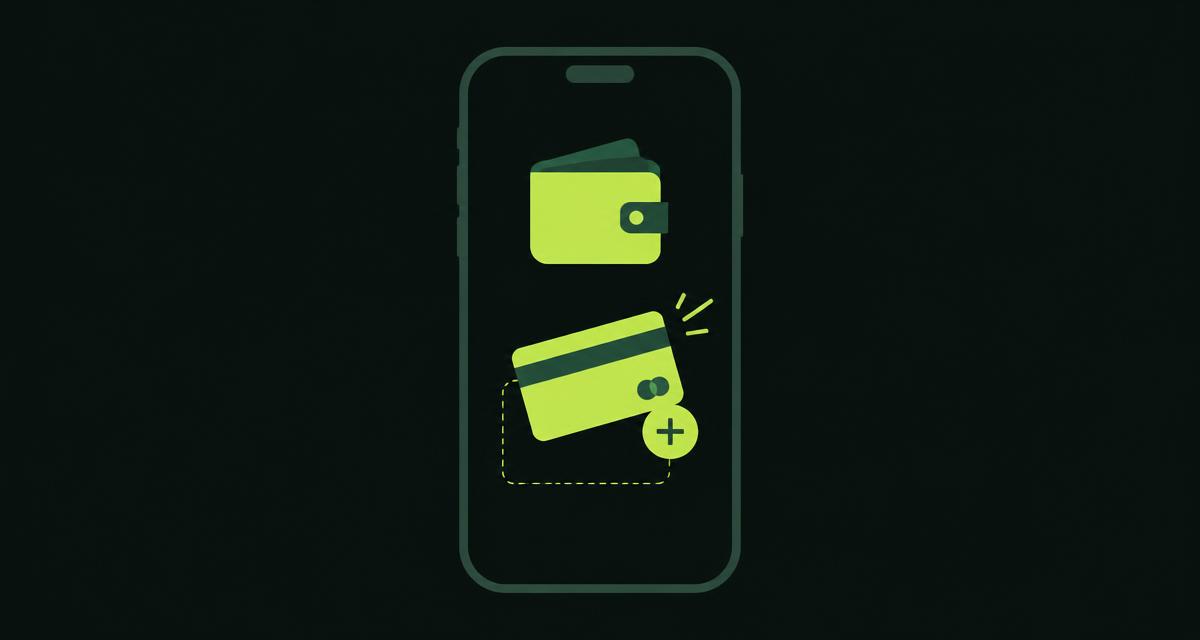
A Tuckpay card is added to a phone wallet like any payment card, but a few fields deserve attention.
Cardholder name
Any name works — it is not checked against documents.
Billing address
The billing address differs per card type. Take it from the "Details" section of your card page, not from another one.
Confirmation
A confirmation follows the add. Complete it, otherwise the card stays in the wallet inactive.
If the wallet rejects the card, remove it and add it again, double-checking the address.
After adding
- test with a small payment;
- keep a buffer on the balance for fees;
- enable contactless payments in your phone settings for in-store purchases.